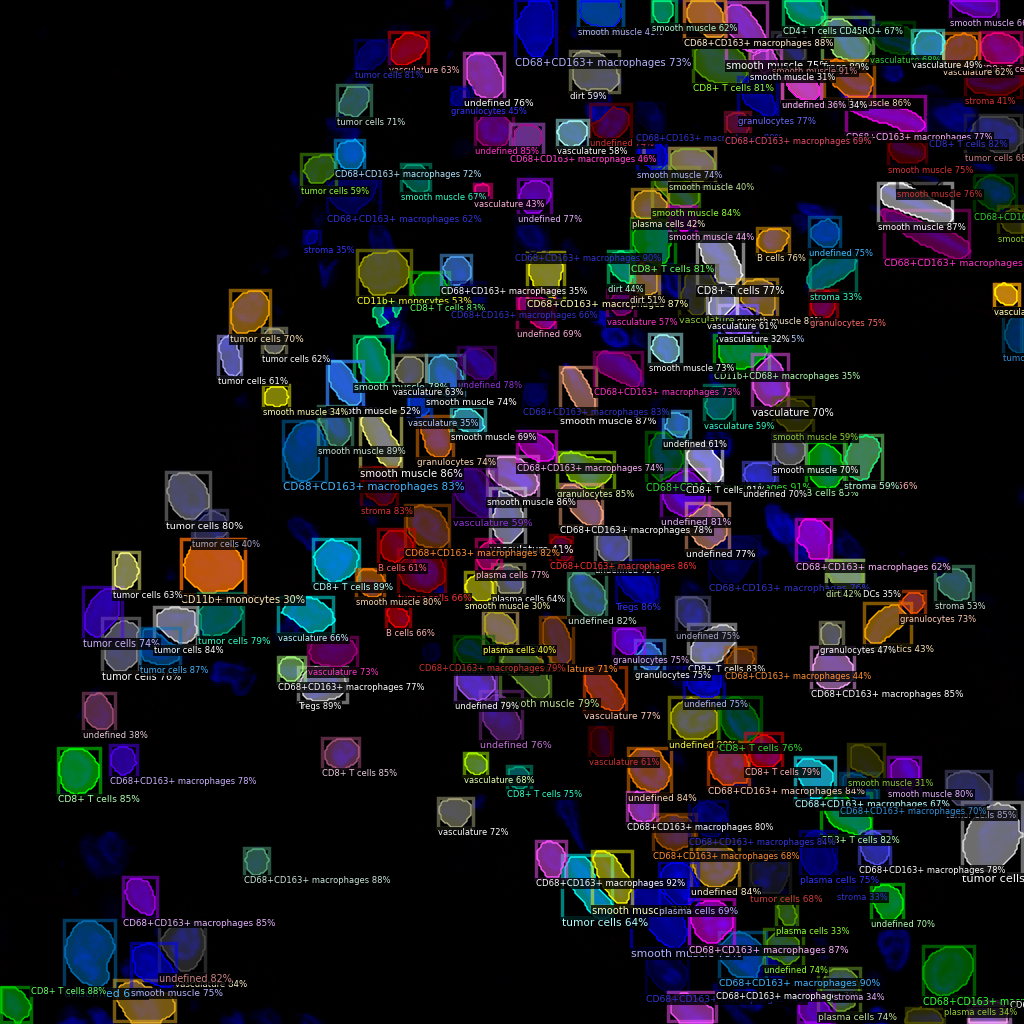
Cell Annotation (Fluorescent Images)
Download data and pretrained models weights
Download the processed data
IMPORTANT: Note that the raw data is from Garry P. Nolan Lab, this processed data is for demo purpose ONLY!
Download data/example_codex_crc.zip from the Drive and put it in the data folder. Then unzip it.
cd data
unzip example_codex_crc.zip
cd ..
Download COCO pretrained models weights (optional)
Download models/maskdino_swinl_50ep_300q_hid2048_3sd1_instance_maskenhanced_mask52.3ap_box59.0ap.pth from the Drive and put it in the cellotype/models folder.
Train model
Note: If you want to train the model using multi-channel images with a number of channels other than 3, you can modify the cfg.MODEL.IN_CHANS setting in the train_crc.py script.
python train_crc.py --num-gpus 4
The parameters are optimized for 4*A100 (40GB) environment, if your machine does not have enough GPU memory, you can reduce the batch size by changing the IMS_PER_BATCH in configs/Base-COCO-InstanceSegmentation.yaml. For reference, the training takes ~12 hours on 4*A100 (40GB) environment.
Test model and visualize results
For reference, our trained weights models/crc_model_0005999.pth can be downloaded from the Drive folder.
python test_crc.py --num-gpus 1
The example prediction saved in the output/codex folder.